
Google ads can be an incredibly effective way to reach new customers when starting up a new business. Many businesses new to the market find getting their first customers to be the hardest part about launching their company. If you’re starting your own company, then it is an excellent opportunity for you to use Google ads as a powerful tool to help you connect with potential customers more effectively.
In this guide, I’ll discuss how to effectively use Google ads, specifically as a startup business who has limited monetary resources available for advertising.
What is Google Ads?
A Google ad is an online advertising service provided by Google. Businesses can pay to have their advertisements displayed on the Google search engine results page, on other websites in the Google Display Network, or on YouTube. Googles ads are paid for on a pay-per-click basis. You only pay for the ad once the customer has clicked on the ad.
Google ads are great for new startups because they provide you with great control over your budget and allow you to target your potential customers based on how they match up with your ideal customer.
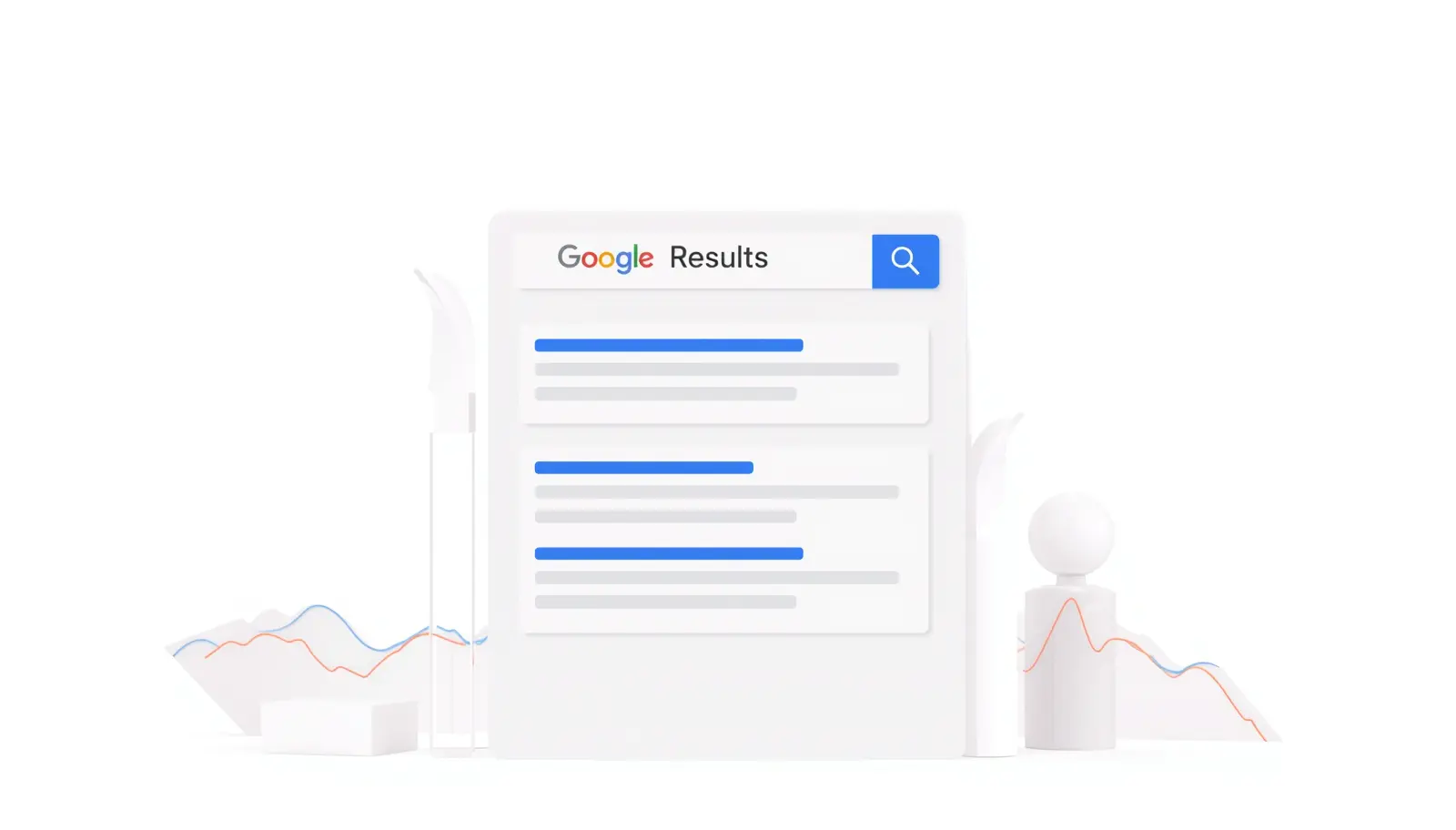
Why Google Ads is Important for Startups
There are many benefits associated with using Google Ads as a start-up:
1. Instant Visibility
While organic search takes time to achieve ranking on Google, an Ad can give your business instant visibility through advertising.
2. Targeted Audience
With Google Ads, you can target users based on their:
- Geographical location
- Age range
- Interests
- Keyword Searches
All these factors help ensure that users who see your advertisement are in fact interested in the product or service you are promoting.
3. Budget Control
New businesses often operate within strict budgets; Google Ads allows an advertiser to:
- Set maximum Daily Spend Limit
- Pause advertisement campaigns whenever they wish.
- Easily Change Bids
4. Measurable Results
You can track the following information in your Google Ads Campaign:
- Click Through Rate (CTR)
- Conversion Rate
- Cost Per Conversion (CPC)
All of this allows the advertiser to measure success and failure within an ad campaign; thus allowing the advertiser to bring more successful campaigns in the future.
How Google Ads Works
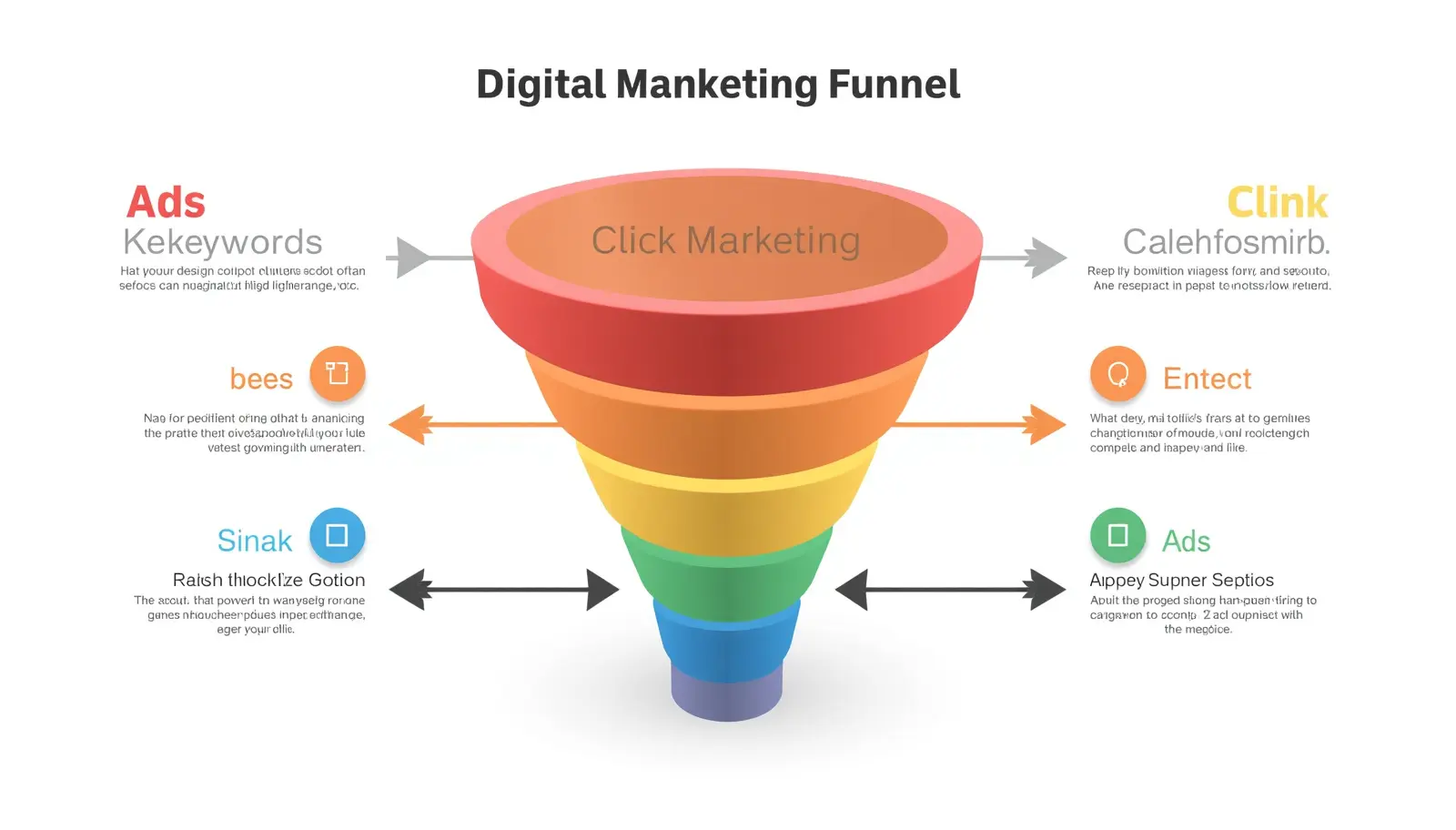
Before you can understand how to create Google Ads for your company’s use. You must first understand how the Google Ads program works:
- You select keywords for your business.
- You create an advertisement for your business.
- You set a budget for your advertisement.
- Google shows your advertisement whenever someone searches for the keywords you have selected.
- You will be charged a fee each time someone clicks on your advertisement.
As an example, if you own a bakery, someone searching for “best bakery near me” would potentially see your bakery’s advertisement when they click through to view more information about bakeries within that user’s geographic area.
Types of Google Ads Campaigns
Various types of campaigns are available for startups to select based on their requirements:
1. Search Ads
These are placed on Google search results and work best for generating leads and driving sales.
2. Display Ads
These are visual advertisements placed on webpages and work great in increasing brand awareness.
3. Video Ads
These video advertisements appear on Youtube and can be very beneficial in telling stories to engage customers.
4. Shopping Ads
These are perfect for eCommerce entrepreneurs looking to showcase products they sell online.
5. App Campaigns
Great for promoting mobile applications.
How to Set Up Google Ads for Startups
Five simple steps to start your Google Ads campaign:
Step 1: Create a Google Ads Account
Sign up to create a Google Ads account and fill out your business’s information.
Step 2: Define Your Goal
- Think about what you want to achieve:
- To drive people to your website
- To sell products
- To get new leads
- To increase overall brand recognition.
Step 3: Choose Keywords
Think of some keywords you want to be associated with, such as:
- “Google Ads for Startups”
- “Cheap Google Ads for Startups”
- “Startup Marketing Strategies”
make sure to use keywords that are relevant to your business and have good search volume.
Step 4: Create Your Ad
Make your advertisements simple and straightforward. Examples of simplicity include:
- Use a strong headline
- Keep your description short
- Use call-to-action statements (such as “Buy Now” and “Get Started”).
Step 5: Set Budget
Start with a low budget initially, and once you know how your ad is performing, adjust your budget accordingly.
Step 6: Launch Campaign
Once everything is ready, publish your ad.
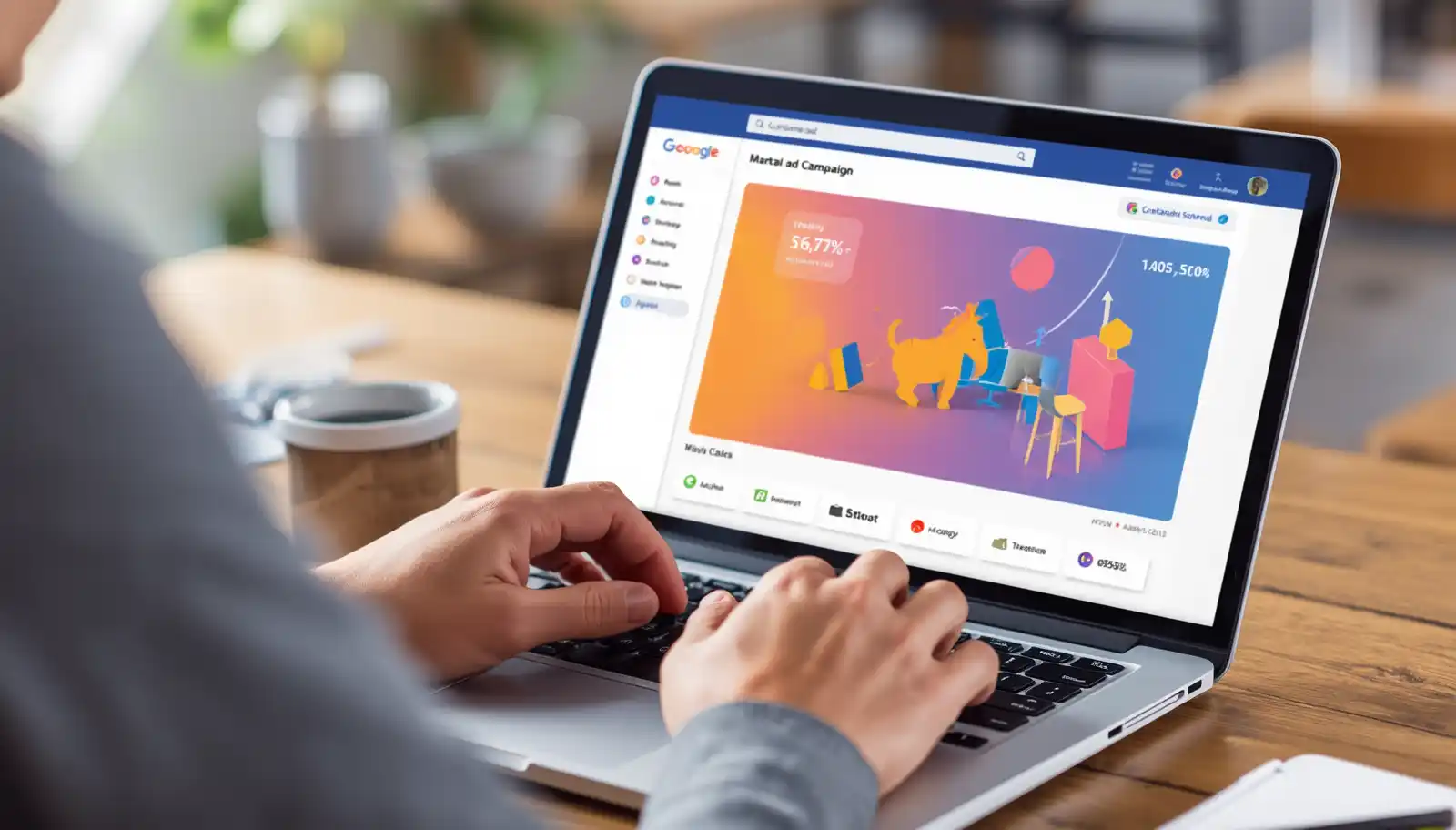
Keyword Strategy for Startups
The keywords you use for your ads are one of the most important components of your startup’s strategy for using Google Ads. Tips on how to select your keywords for your Google Ads include the following:
Tips:
- Use long-tail keyword phrases, such as “Affordable Digital Marketing for Startups.”
- In the beginning, you will want to use keywords that are less competitive. Your goal should be to build up the number of clicks your ads receive, so you want to avoid using highly competitive keywords.
- Select buyer-intent keywords as a focus for your Google Ads, which will create a better chance for your ads to be successful.
Example Keywords:
- Google Ads for startups
- Startup Marketing Ideas
- Google Ads for new businesses
- Low-cost advertising strategies.

Writing High-Converting Ads
When creating an advert you need to make sure it is engaging and straightforward.
Best Practices:
- Your keyword should be at the top of the ad.
- Use a benefit rather than a feature.
- Create a sense of urgency (i.e. “Limited Time Only”).
- Include a strong call to action.
Example:
Headline: Easy Google Ads for Startups
Summary: Easily attract new customers with a low-cost advertising campaign—get started today!
Budget Tips for Startups
Budgeting is critical to running a successful business.
Smart Budgeting Tips:
- Start small ($5-$10/day for the first month).
- Be careful not to run more than 1 campaign at a time.
- Cancel any ads that do not work.
- Increase the budget of high-performing ads.

Common Mistakes to Avoid
Here are four mistakes that many startups make:
1. Targeting Too Broad Audience
Targeting too broadly is a waste of advertising dollars. You should be specific in your target audience.
2. Ignoring Keywords
Ignoring keywords can lead to advertising to the wrong people.
3. No Conversion Tracking
Failure to track conversions can cause you to not know what is working or not working.
4. Poor Landing Page
If your website is difficult to navigate or loads slowly your potential customers will leave.
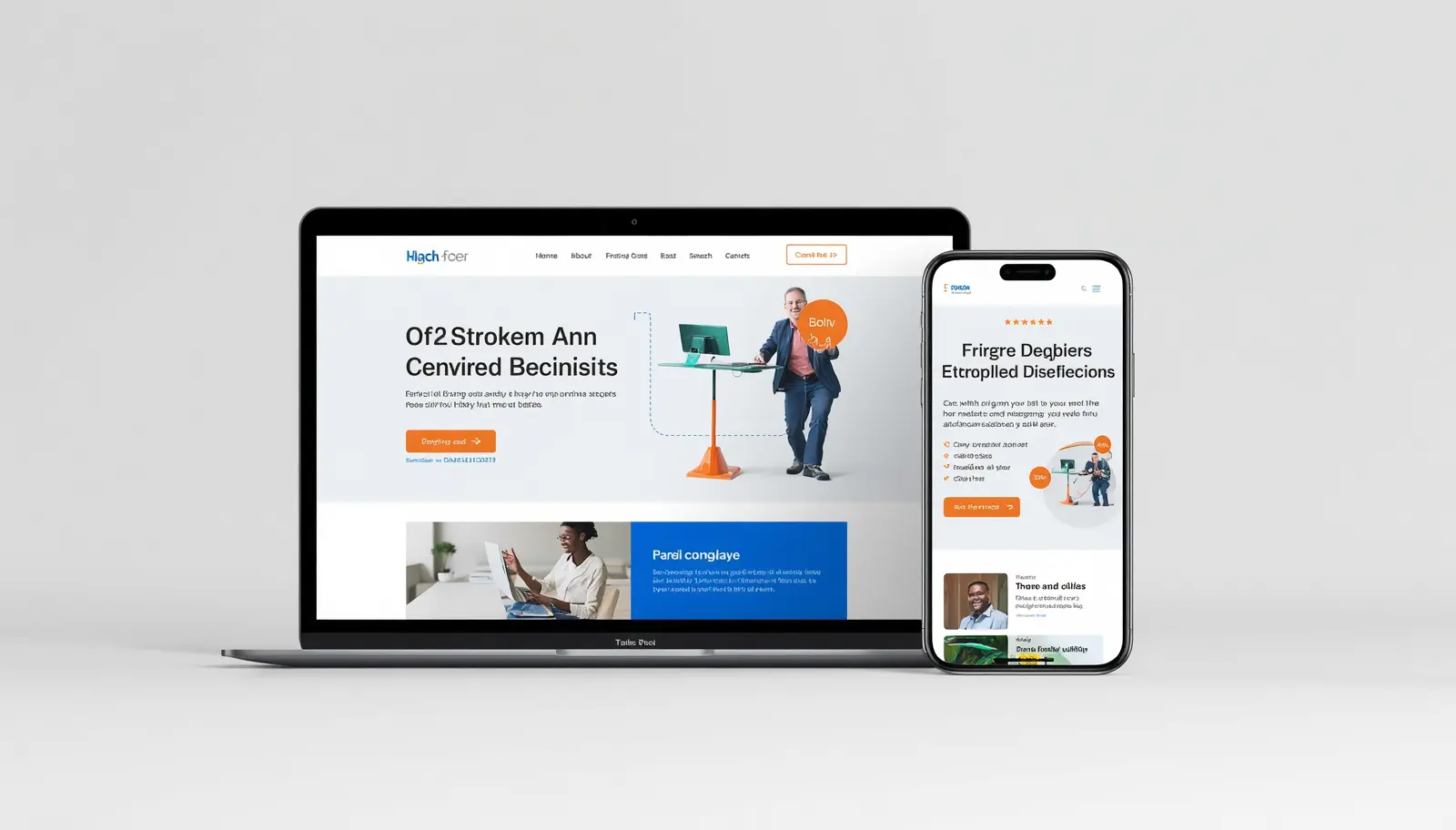
Importance of Landing Pages
While your ad is half of the job, the landing page is just as important.
A good landing page should
- Load quickly
- Be mobile-friendly
- List your message concisely
- Have a strong call to action
Tracking and Optimization
How to make Google Ads work for a Startup:
In order to effectively utilize Google Ads with a startup, you’ll need to be able to track your results and then improve your campaigns based on how well they are doing.
Key Metrics:
- CTR (Click-Through-Rate)
- CPC (Cost Per Click)
- Conversion Rate
Optimization Tips:
- Performing these tasks on a regular basis will help improve the effectiveness of your campaigns.
- Test Different Versions of Your Ad
- Vary Your Keywords Regularly
- Change Your Bids

Advanced Tips for Startups
If you’ve mastered the basics:
1. Use Remarketing
Show your ads to people who have visited your website.
2. A/B Testing
Experiment with different versions of your ads and determine which performs best based upon your goals.
3. Geo-Targeting
Target specific geographic locations for your ads.
4. Use Ad Extensions
Include additional information in your ads, such as:
- Your phone number
- Your address
- Links to additional information.
Benefits of Long-Term Google Ads Strategy
Google Ads can provide long-term success for startups. In addition to immediate sales, you can expect to see (over time):
Long-term benefits:
- More traffic to your website
- Greater brand visibility
- Better understanding of your target audience
- Ability to scale your company
Is Google Ads Worth It for Startups?
Definitely, but you need to use Google Ads correctly.
Even with very limited funding, most start-up companies:
- Can acquire their first customer(s)
- Can test their product with members of their target market
- Will improve their chances of growing their brand
The most successful strategy for a startup is to be incremental, learn from your tracking, and make improvements.
Conclusion
For Many Startups, Google Ads is one of the best ways to rapidly Build Your Company through effective and targeted online advertising. Google ads give you; control, flexibility, and measurable success can provide your business with rapid growth.
As a New Startup… CEASE waiting for free (organic) traffic from search engines, Utilize Google Ads to provide immediate exposure to your brand or product(s), while simultaneously testing the Product in its respective Marketplace.
Start With Small campaigns, Stay consistent in your Campaigns, and Continue Regularly Optimize your existing Campaigns to Build A Large Returning Monthly Audience for Long-Term Success.
Google Ads can be a Successful Growth Strategy for Most Startups as long as You Use the Correct Strategy!